Welcome to Bouncia - Your Expert in Inflatable Water Parks and Diverse Sports Equipment

Bienvenue chez Bouncia - Votre expert en parcs aquatiques gonflables et en équipements sportifs divers.

Bienvenido a Bouncia - Tu Experto en Parques Acuáticos Hinchables y Equipamiento Deportivo Diverso

Floating Water Park Add-On Attractions: Which Options Fit Your Configuration?

An existing water park may need a better place for younger visitors, a more demanding climbing feature, or another route around a busy attraction. Choosing additional floating water park equipment starts with identifying that gap. Each new attraction should have a clear role in the configuration and a workable position within the available water area. For commercial operators and buyers, the decision involves both the experience a product offers and how visitors reach, use and leave it. The following configuration guide connects those needs with practical equipment choices.
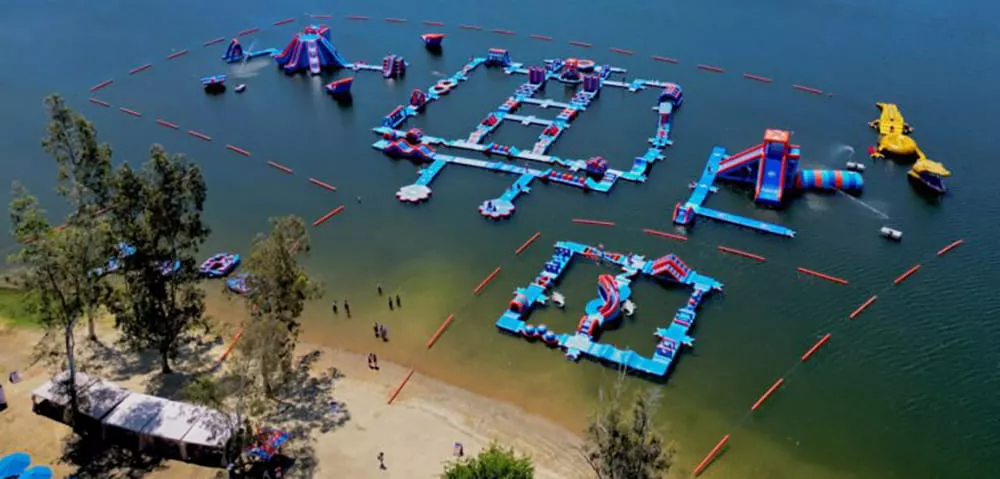
floating-water-park-equipment-arranged-in-courses-and-separate-activity-zones
Floating water park equipment combines courses and separate attractions

Quick Answer

Floating Water Park Add-On Attractions are optional play features planned into a park configuration. Consider a suitable children’s zone or low-difficulty modules for younger visitors, towers or climbing features for added challenge, and connecting platforms or activity branches for layout needs. Confirm product-specific water depth, clearance, connections, anchoring and supervision before purchase. Add-on attractions can increase play capacity, depending on the equipment added and how it fits into the overall layout.

What Are Floating Water Park Add-On Attractions?

Add-on attractions are additional play features selected to serve a particular purpose within the overall park plan. They may form part of a connected course or occupy a separate activity zone with its own access and supervision arrangements.
Define the role before choosing the product. An add-on does not have to connect directly to the course, but its placement must work with the surrounding activities.

Which Add-Ons Fit Your Visitor Mix?

Funcity and Low-Difficulty Modules for Younger Visitors

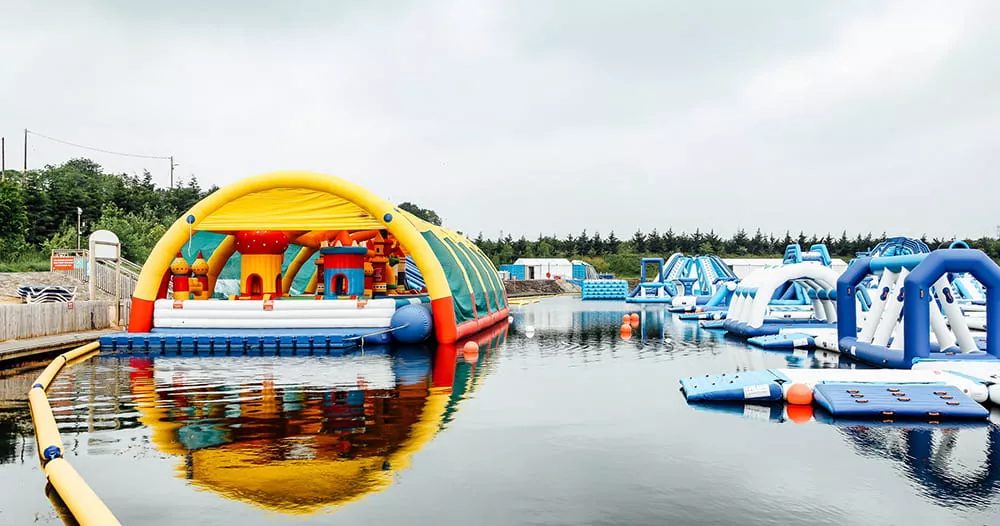
A Funcity area or low-difficulty interactive modules may suit a park that needs more activities for younger visitors. Consider easier climbing, shorter routes and convenient access to an appropriate entry point. A separate children’s zone can provide a different play experience from the main challenge course.
floating-water-park-with-separate-Funcity-area-for-younger-visitors
Funcity adds a children's area to the Floating Water Park
What’s more, confirm the selected model’s age, height and swimming requirements. Low difficulty alone does not establish suitability. 

Towers, Jump Platforms and Climbing Modules for Challenge Seekers

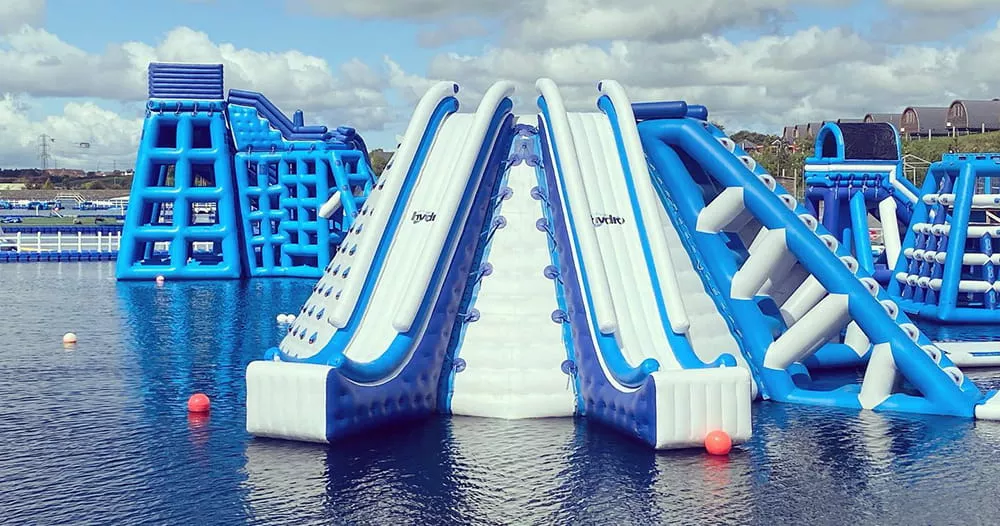
Towers, jump platforms and climbing obstacles can add different types of challenge. Choose the activity missing from the existing mix: a climbing feature offers a different experience from another balance obstacle.
Review the specific product’s height, required water depth and clear landing area. Check where users enter the water and climb back onto the equipment. A tower needs a position where waiting guests, landing users and returning swimmers have workable routes. It is a poor fit if its only available position blocks an exit or makes supervision difficult.
floating-water-park-equipment-with-tall-slides-and-climbing-features
Floating water park equipment offers sliding and climbing challenges

Which Modules Can Support Capacity and Visitor Flow?

Connecting Platforms and Additional Activity Areas

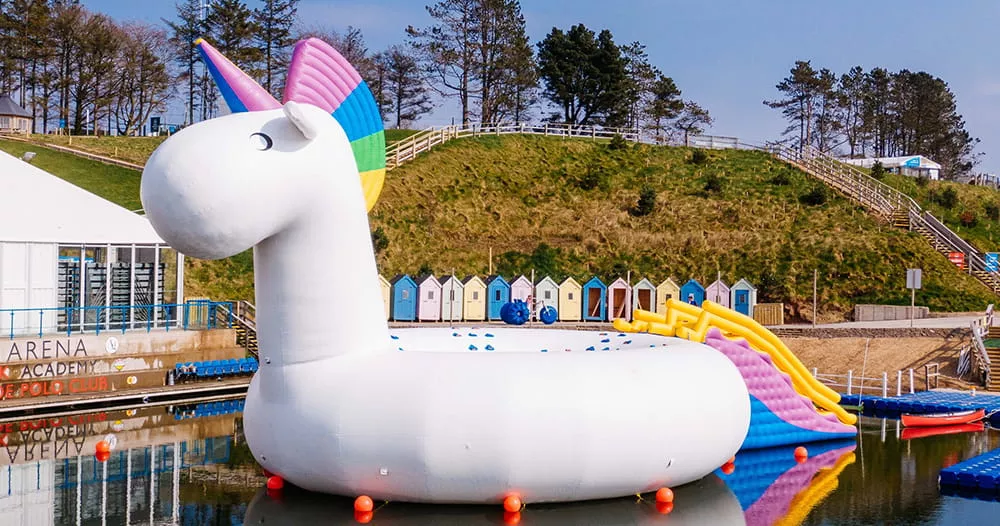
Additional play areas can increase capacity when they provide space for more users within a suitable overall configuration. A Funcity area or a themed attraction, such as a unicorn, may serve this purpose if the selected product and site conditions support it.
floating-water-park-equipment-with-a-separate-unicorn-slide
Unicorn floating water park equipment adds a separate play area
A connecting platform has a different role. It can provide access to another zone or improve movement, but its area should not automatically be counted as space for additional playing guests. Separate circulation space from play space. Ask for the revised layout’s capacity basis, and use inflatable aquapark capacity planning to consider how that configuration will operate.

Branch Routes That Reduce Dependence on One Attraction

A branch can give visitors another activity while others wait for a popular feature. Plan where the branch leaves the main route and where it rejoins. A branch returning to the same narrow waiting area may simply move the congestion.
Keep routes clear of jump landing areas and exits. A new tower may draw guests into one location, so assess the space around it as carefully as the tower itself. Choose a branch for the movement problem it addresses, rather than assuming every extra route improves flow.

How Can You Add Different Challenge Levels?

An Easier Alternative to Demanding Obstacles

An easier alternative allows eligible visitors to continue through the park without completing every difficult obstacle. For example, a connection route around a demanding climbing feature can provide a simpler way to reach the next activity.
Keep the easier route easy to identify. Visitors should understand the choice before entering the difficult section. Both routes need a clear destination, and the easier option should remain open when people gather near the challenge. A shortcut that ends inside a queue does not provide a useful alternative.

Optional Challenge Branches

Place more demanding activities on an optional branch when they are not suitable as a shared route for the intended visitor mix. This lets eligible users choose the challenge while others follow the main course.
Check how the branch reconnects and how staff can observe its entry, activity and return points. Avoid adding several difficult modules in sequence without considering how users can leave that section. The branch should offer a deliberate difficulty choice while retaining a clear route back.
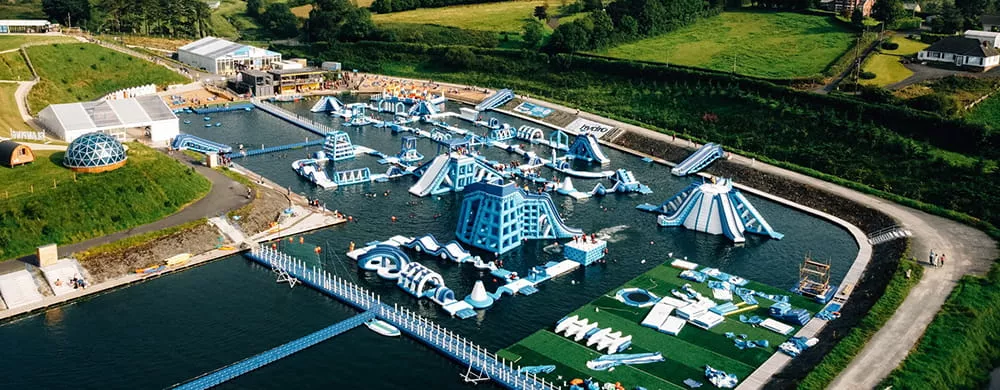
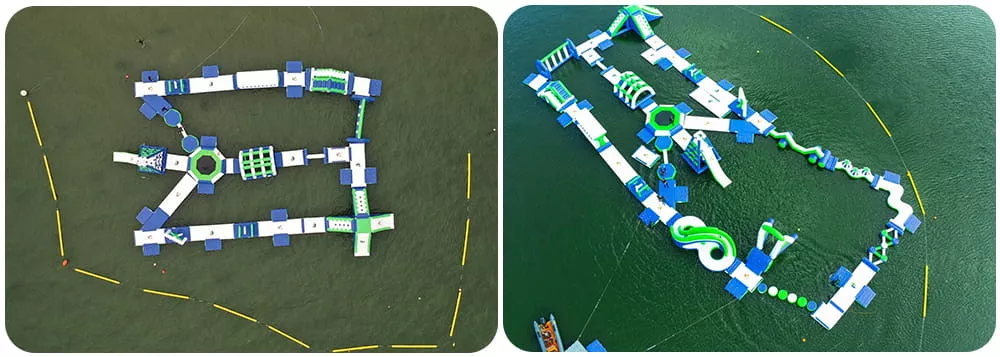
floating-water-park-layout-with-connected-modules-and-separate-activity-areas
A Floating Water Park with clearly arranged activity areas

When Does a Signature Attraction Fit the Configuration?

A large tower or themed product can become the park’s most recognizable feature. It fits the configuration when its footprint, access and surrounding activity space support the intended experience.
Compare the proposed position with a drawing showing the existing course. Include the space needed for landing, waiting and reboarding, rather than considering only the inflated dimensions. A themed attraction may provide an additional activity zone; a tower may concentrate visitors around one access point.
Plan the surrounding space first. If the attraction takes space needed for entry, exit or observation, consider another position or product size. Its visual appeal should be supported by a workable layout.

What Should You Confirm Before Adding Equipment?

Water Area, Depth and Landing Clearance

Provide the usable water boundary and depth information for the proposed location. Check the selected product’s requirements against the conditions expected during operation, including relevant water-level changes.
Identify landing areas, nearby attractions and access routes on the drawing. Use the manufacturer’s documentation for the specific model; one water-depth figure should not be applied to every tower, jumping feature or children’s product.

Connection Compatibility and Anchoring

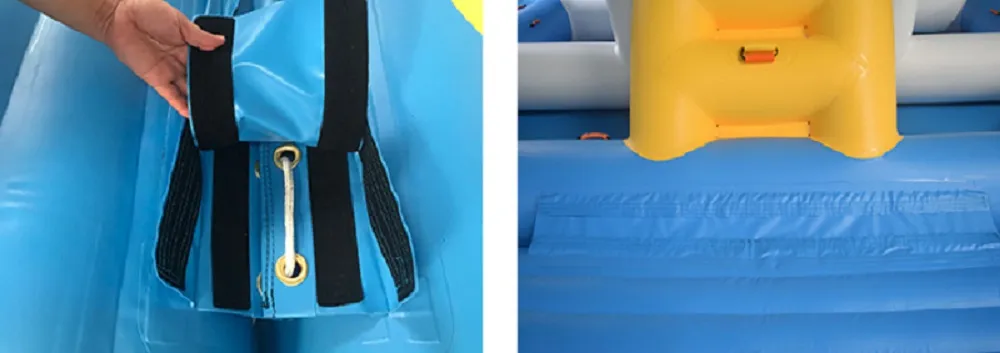
Record the existing equipment’s manufacturer, model and condition. Supply dimensions or photographs showing connection points, their positions and platform heights. Similar-looking products may have different connection arrangements.
Confirm compatibility before ordering. Ask the manufacturer to assess the connection method and anchoring of the revised configuration. Do not assume that an available connector makes two products compatible or that the original anchoring plan remains sufficient after adding equipment.
floating-water-park-equipment-connection-details-between-adjacent-modules
Connection system details for joining floating water park equipment

Staff Sightlines, Entry, Exit and Reboarding

Review the layout from the intended staff observation positions. A tall feature may obstruct views of a lower activity behind it. Check the full route from entry through the activity to exit, including where guests return after entering the water.
Mark waiting areas and possible crossings. If adequate observation requires another staff position, include that change in the operating plan before finalizing the equipment choice.

Updated Layout and Capacity Documentation

Send the original layout, site photographs, usable water area and depth details with your request. Explain the target visitors and whether the priority is another play zone, greater challenge or a different route.
Request an updated drawing showing the proposed additions, connections and access arrangements. Ask for the capacity basis and applicable product instructions. These details let you assess the complete configuration instead of approving an isolated product image.
floating-water-park-layout-before-and-after-adding-modules
Added modules reshape the Floating Water Park layout

Conclusion

Choose add-on attractions around the function your configuration needs most. A children’s area, challenge branch or additional activity zone can each serve a useful purpose when its position and operating requirements are clear. Review the whole layout before committing to a product, especially where access, landing areas or supervision will change. To discuss suitable floating water park equipment with Bouncia, share your existing drawing, site photographs, usable water area, depth information and intended visitor mix. Include the experience or layout problem you want the addition to address.

FAQs

Can I add modules from a different manufacturer to my existing floating water park?

Possibly, but compatibility needs confirmation. Supply both products’ models, connection details and platform heights. Ask the manufacturer to assess the proposed connection, expected loads and anchoring before including the new module in the layout.

Does adding a tower or more modules automatically increase park capacity?

Not automatically. Additional activity areas can increase capacity, but a tower may also create a gathering point. Assess the updated play space, routes, entry and exit arrangements, and supervision conditions to establish the revised configuration’s capacity.

What information should I send before requesting an add-on configuration?

Send the existing models and layout, dimensions and connection details, site photographs, usable water area and depth information. Include your visitor mix, current congestion points and the purpose of the addition so the proposal addresses a specific configuration need.
error: Content is protected !!